Scope operational access
Assign roles and warehouse or branch scope to match a team member’s responsibilities.
Access & accountability
Manage users, roles, branch and warehouse access, approval steps, and audit history from a shared administration workspace.
See the application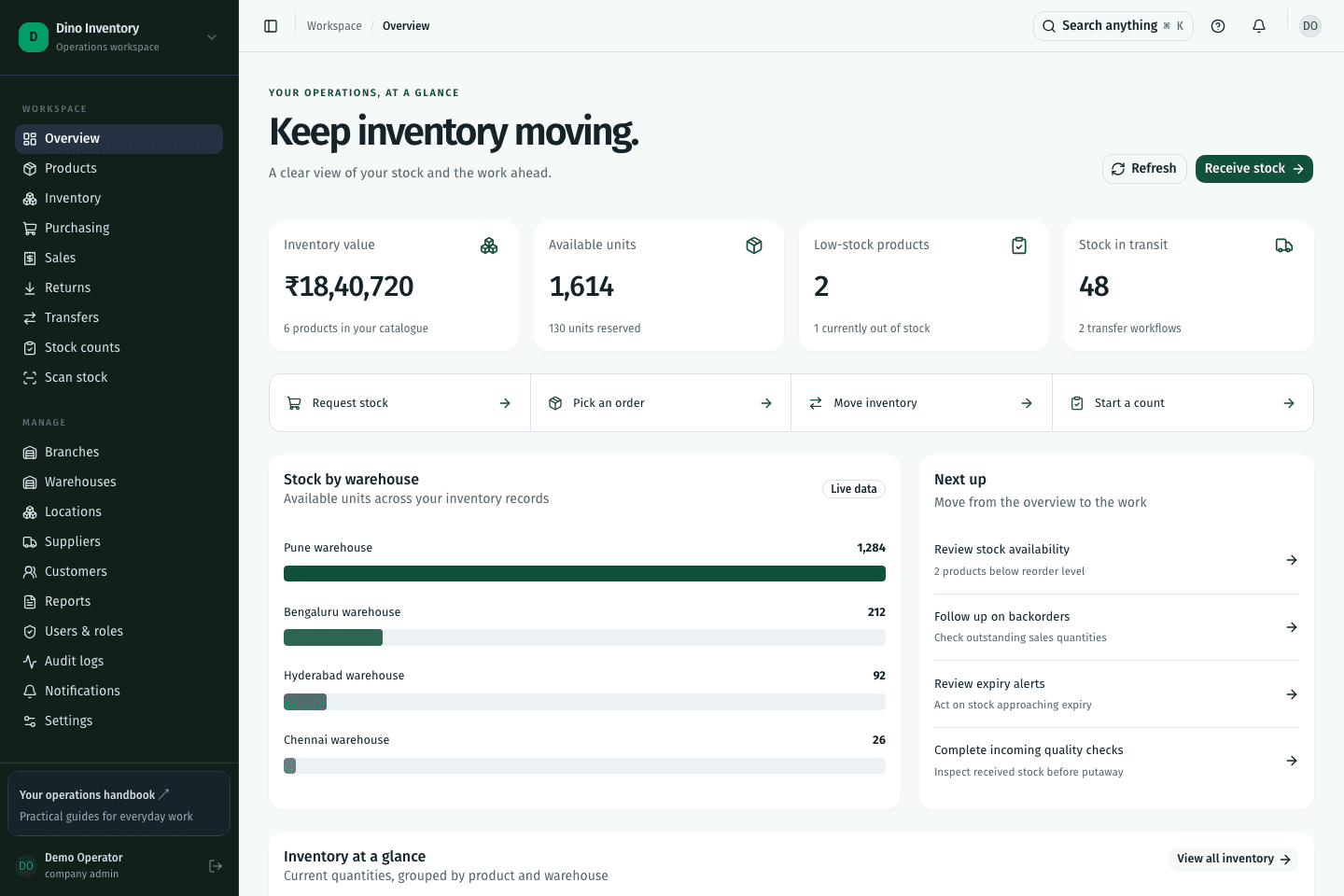
Assign roles and warehouse or branch scope to match a team member’s responsibilities.
Use the approval actions in purchasing, transfers, adjustments, and counts to make workflow decisions explicit.
Audit records help administrators investigate who performed an operation and which record it affected.
IN PRACTICE
A user’s role and assigned scope determine the operations and warehouse records they can access. Administrators configure these permissions and review recorded activity in audit logs.
A clearer way to work
Purchasing, warehouse work, and fulfillment. Connected.