Surface operational events
Event records and notifications provide a place to review changes that need attention. Background jobs support scheduled processing such as expiry scans.
Notifications, sync & search
Use event notifications, background jobs, queued offline changes, and Qdrant-backed search to support day-to-day inventory work.
See the application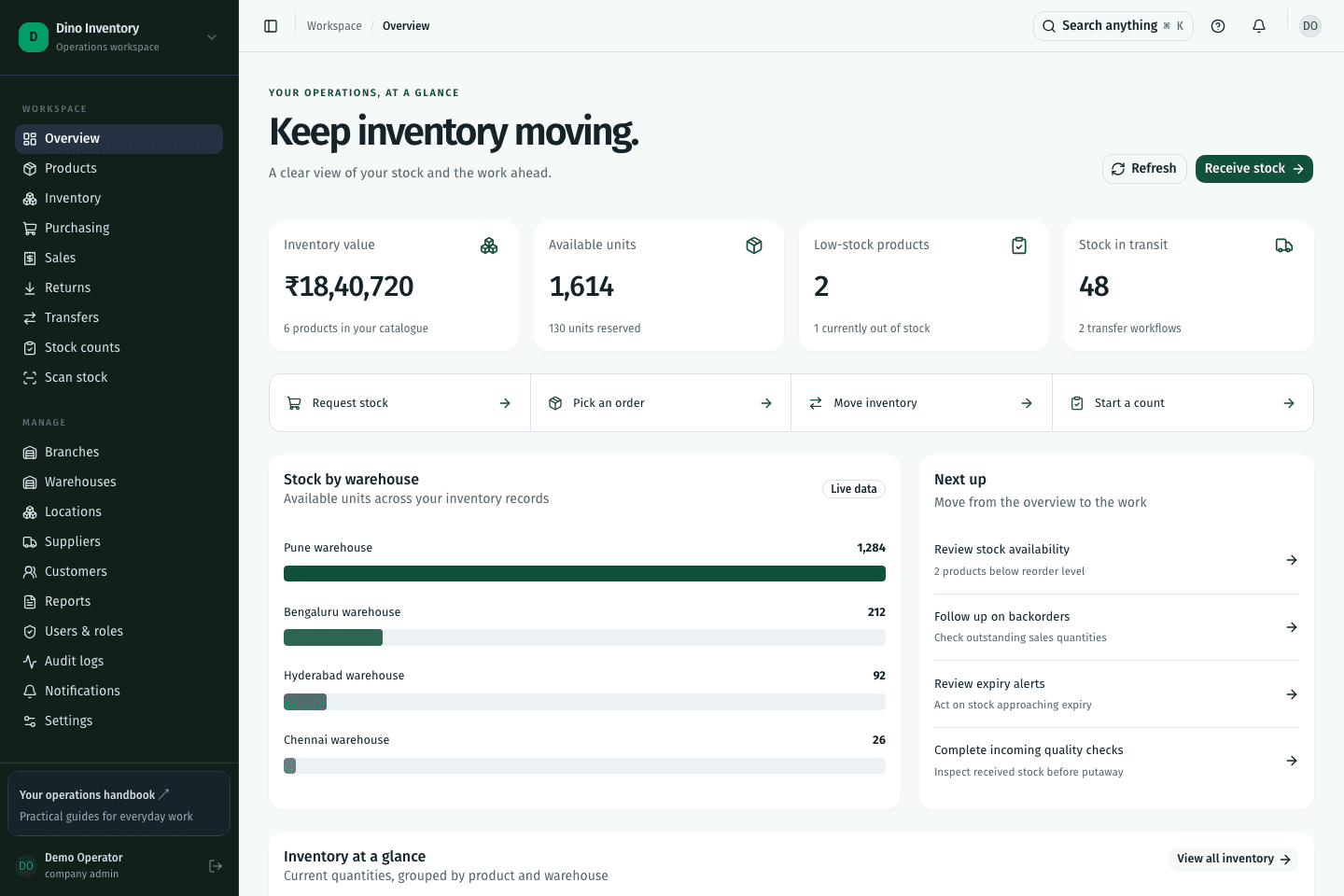
Event records and notifications provide a place to review changes that need attention. Background jobs support scheduled processing such as expiry scans.
When a network request cannot reach the server, supported changes enter a local queue and replay after connection returns. Server validation still applies during replay.
Search across product, partner, and lot records with the backend search service. Search complements structured module filters.
IN PRACTICE
No. Offline sync queues supported changes and retries them after reconnecting. Each replay still needs valid access and must pass the server’s current business rules; failed changes need review.
A clearer way to work
Purchasing, warehouse work, and fulfillment. Connected.