Allocate by expiry
First-expiry-first-out allocation prioritizes eligible lots with earlier expiry dates and excludes expired or recalled stock.
Lots, serials & expiry
Track lot numbers, expiry dates, FEFO allocation, expiry alerts, batch recalls, serial histories, and warranty references alongside inventory operations.
See the application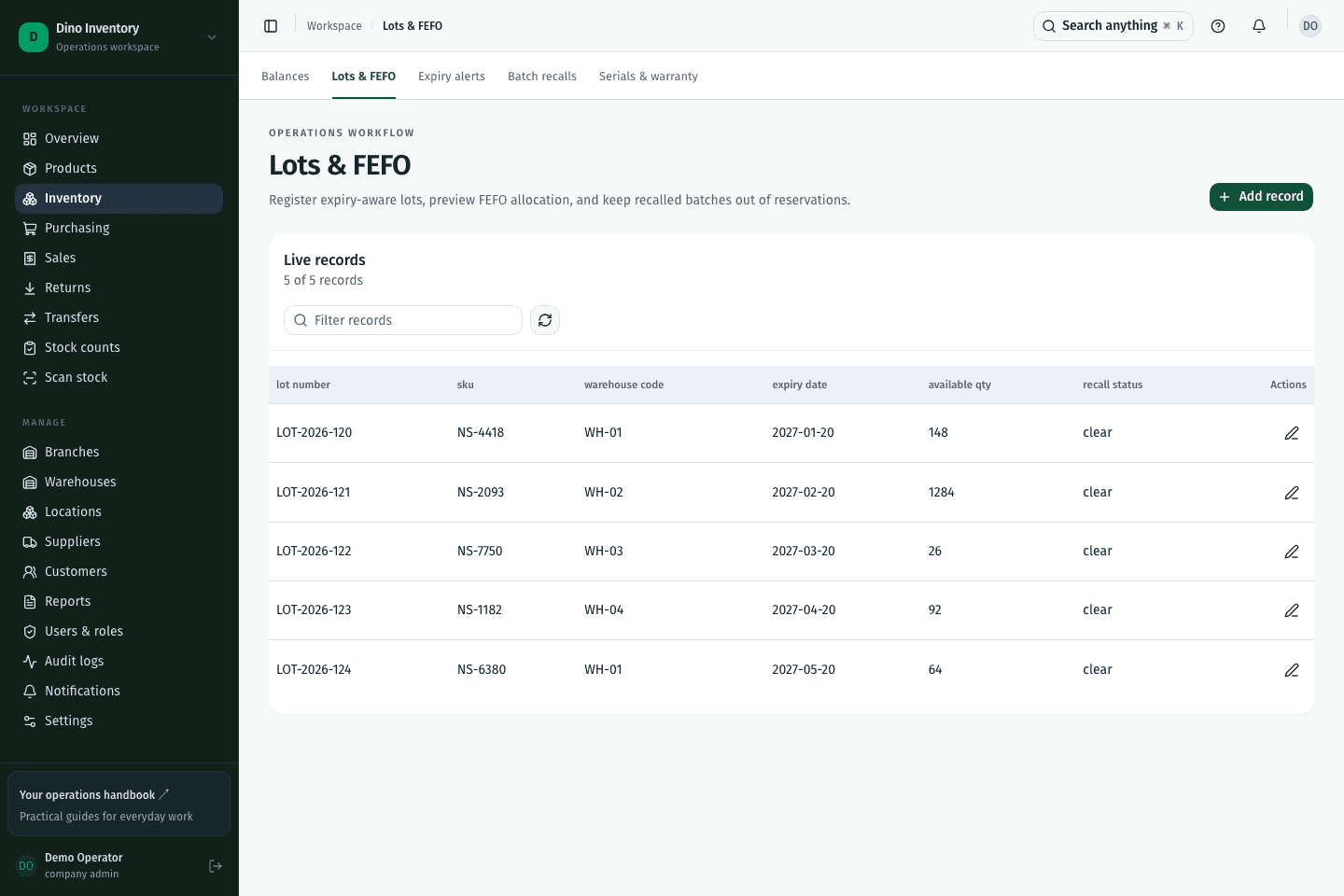
First-expiry-first-out allocation prioritizes eligible lots with earlier expiry dates and excludes expired or recalled stock.
Review expiry alerts and record recalls against lots so affected stock can be identified during allocation.
Serial records connect individual units with their location, history, and warranty reference for later investigation.
IN PRACTICE
FEFO means first expiry, first out. Eligible stock with the earliest expiry date is allocated first. It differs from FIFO, which prioritizes arrival order rather than expiry date.
A clearer way to work
Purchasing, warehouse work, and fulfillment. Connected.