A location for every operation
Organize your network into branches, warehouses, and storage locations, with access scoped to the relevant workspace.
Warehouses & transfers
Manage branches, warehouses, storage locations, transfer approvals, dispatches, partial receipts, discrepancies, and movements between locations.
See the application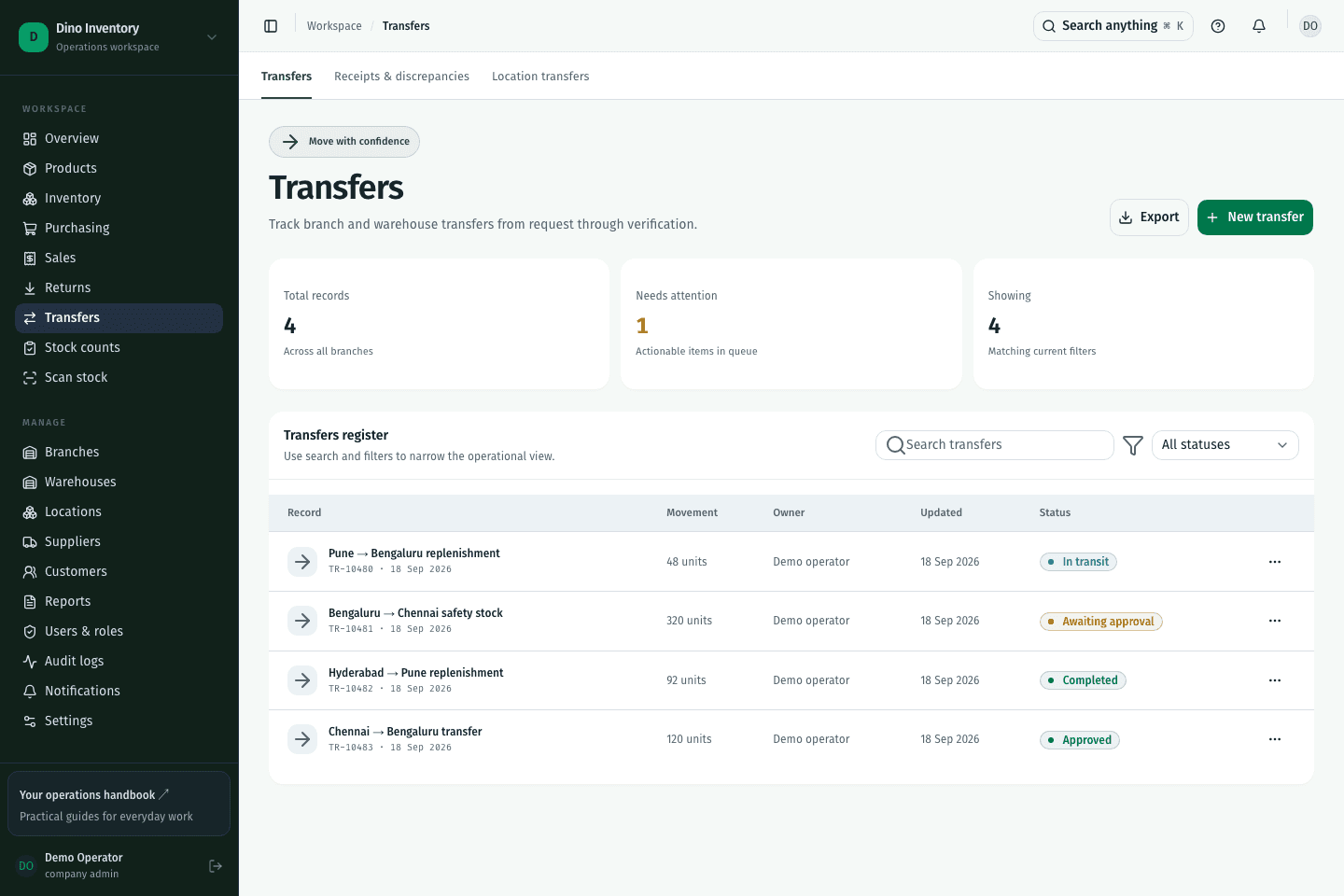
Organize your network into branches, warehouses, and storage locations, with access scoped to the relevant workspace.
Approve and dispatch a transfer, then record the actual quantities received at its destination.
Partial receipts and discrepancy records show what is still outstanding. Location transfers handle movements inside a warehouse.
IN PRACTICE
A warehouse transfer moves stock between warehouses and includes dispatch and receipt. A location transfer moves stock between storage locations within a warehouse.
A clearer way to work
Purchasing, warehouse work, and fulfillment. Connected.