Give each count an owner
Assign counting work to team members so the scope and responsibility are explicit.
Counts & adjustments
Assign stock counts, preserve a snapshot of expected quantities, capture physical counts, review variances, and post approved inventory adjustments.
See the application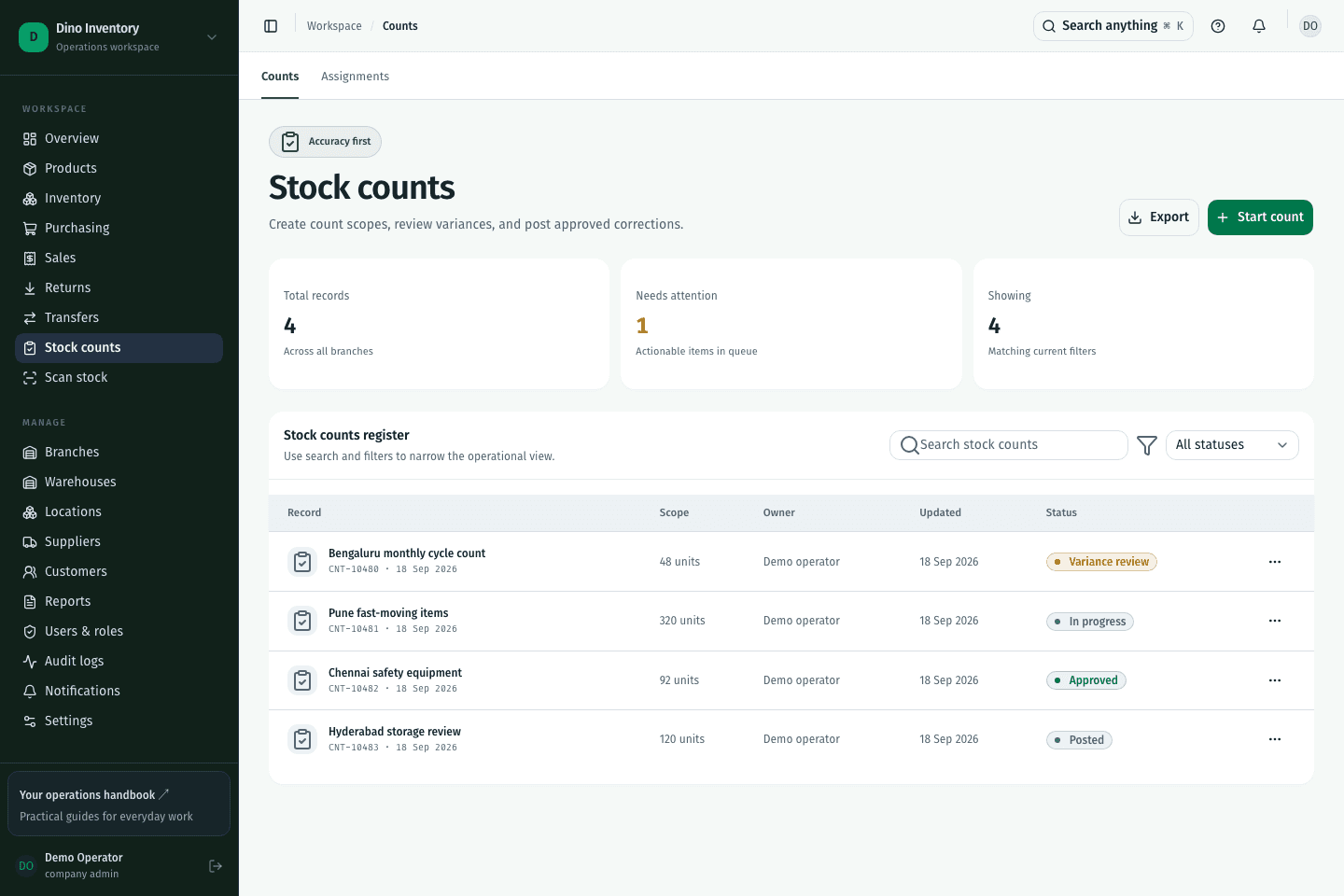
Assign counting work to team members so the scope and responsibility are explicit.
Frozen snapshots preserve the expected quantities used for the count. A snapshot is a comparison baseline, not a promise that warehouse activity has stopped.
Review discrepancies before approval. Posting creates the corresponding adjustment and ledger movement.
IN PRACTICE
A snapshot preserves the expected quantities at the start of a count. It gives reviewers a consistent baseline when comparing physical counts and deciding which adjustments to approve.
A clearer way to work
Purchasing, warehouse work, and fulfillment. Connected.