Follow a total to its records
Move from an inventory summary to the rows that explain balances and activity.
Reports & saved views
Review live inventory summaries and drill into inventory, ledger, expiry, backorder, and transfer records. Save report views to your account for later use.
See the application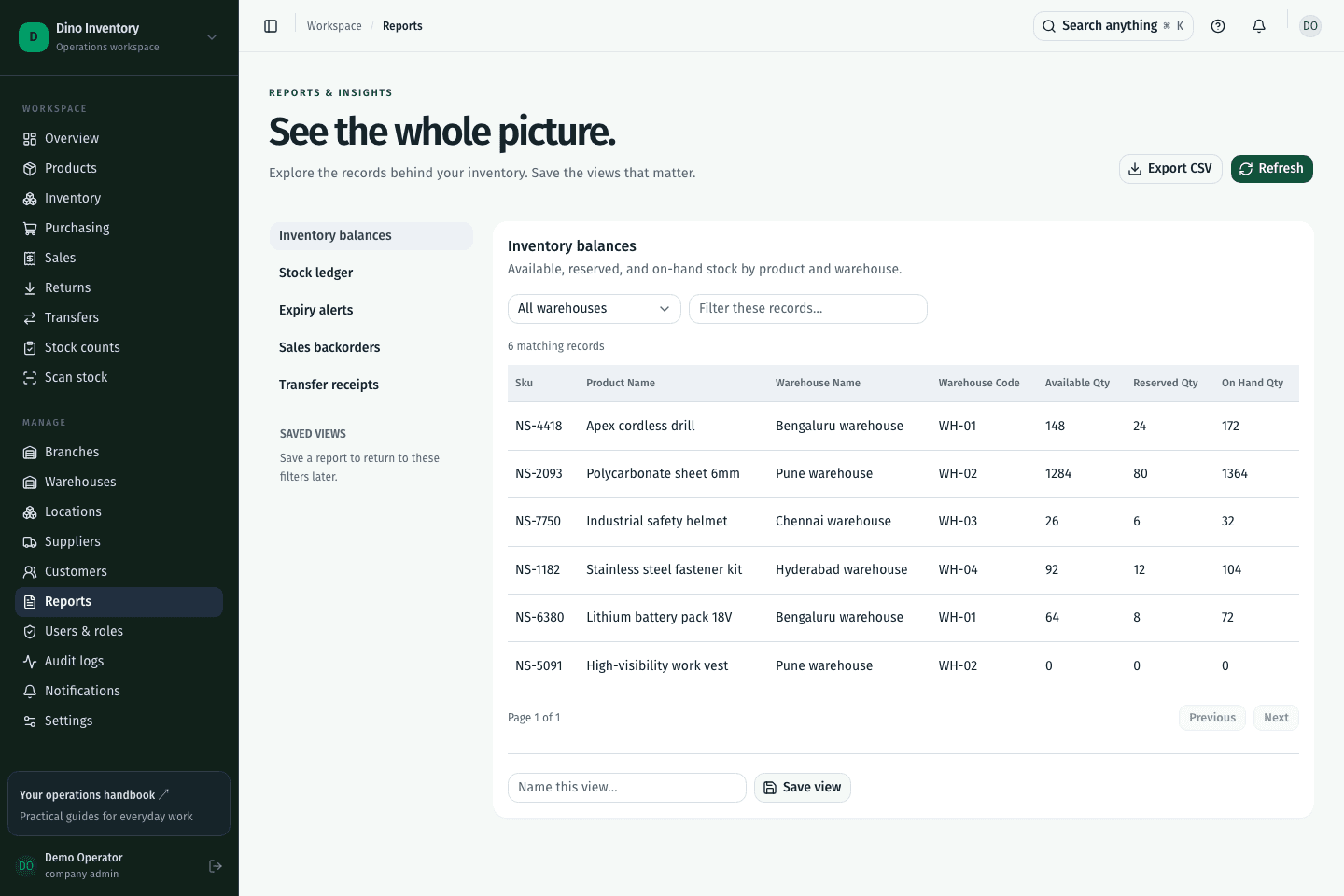
Move from an inventory summary to the rows that explain balances and activity.
Use expiry, backorder, and transfer reports to identify the records that need follow-up.
Persist report filters and selected columns on the backend so reporting preferences belong to your account.
IN PRACTICE
Report endpoints read the application’s stored operational records. Saved views preserve report configuration; they do not replace those records with a separate manually maintained spreadsheet.
A clearer way to work
Purchasing, warehouse work, and fulfillment. Connected.