A clear product catalogue
Manage SKUs, categories, brands, units, and reorder levels in dedicated product records.
Inventory control
Dino Inventory connects product records, warehouse balances, stock movements, and adjustments so your team can see what is available, reserved, and in transit.
See the application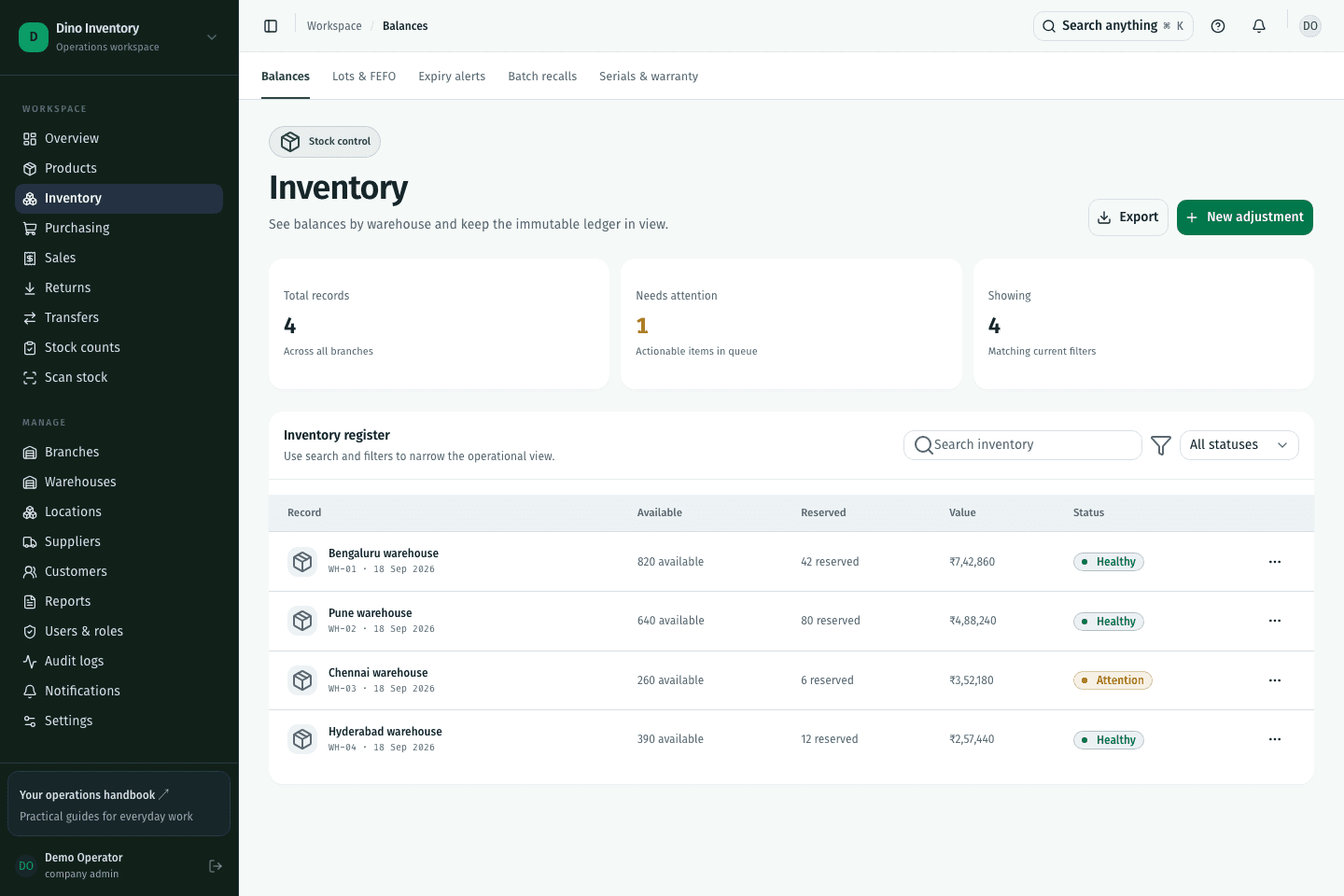
Manage SKUs, categories, brands, units, and reorder levels in dedicated product records.
Review available, reserved, and in-transit quantities without combining unrelated locations.
Use the inventory ledger to trace receipts, dispatches, returns, and approved adjustments back to their source.
IN PRACTICE
It tracks product identities, stock quantities, locations, and movements. Dino Inventory connects these records with purchasing, sales, transfers, and counts, giving each operation a shared inventory record.
A clearer way to work
Purchasing, warehouse work, and fulfillment. Connected.