Reserve available stock
Reserve quantities for a sales order and retain visibility of unfulfilled demand when inventory is short.
Sales & fulfillment
Connect sales reservations, partial picking, packing, shipments, and backorders so your team can fulfill available stock while keeping outstanding quantities visible.
See the application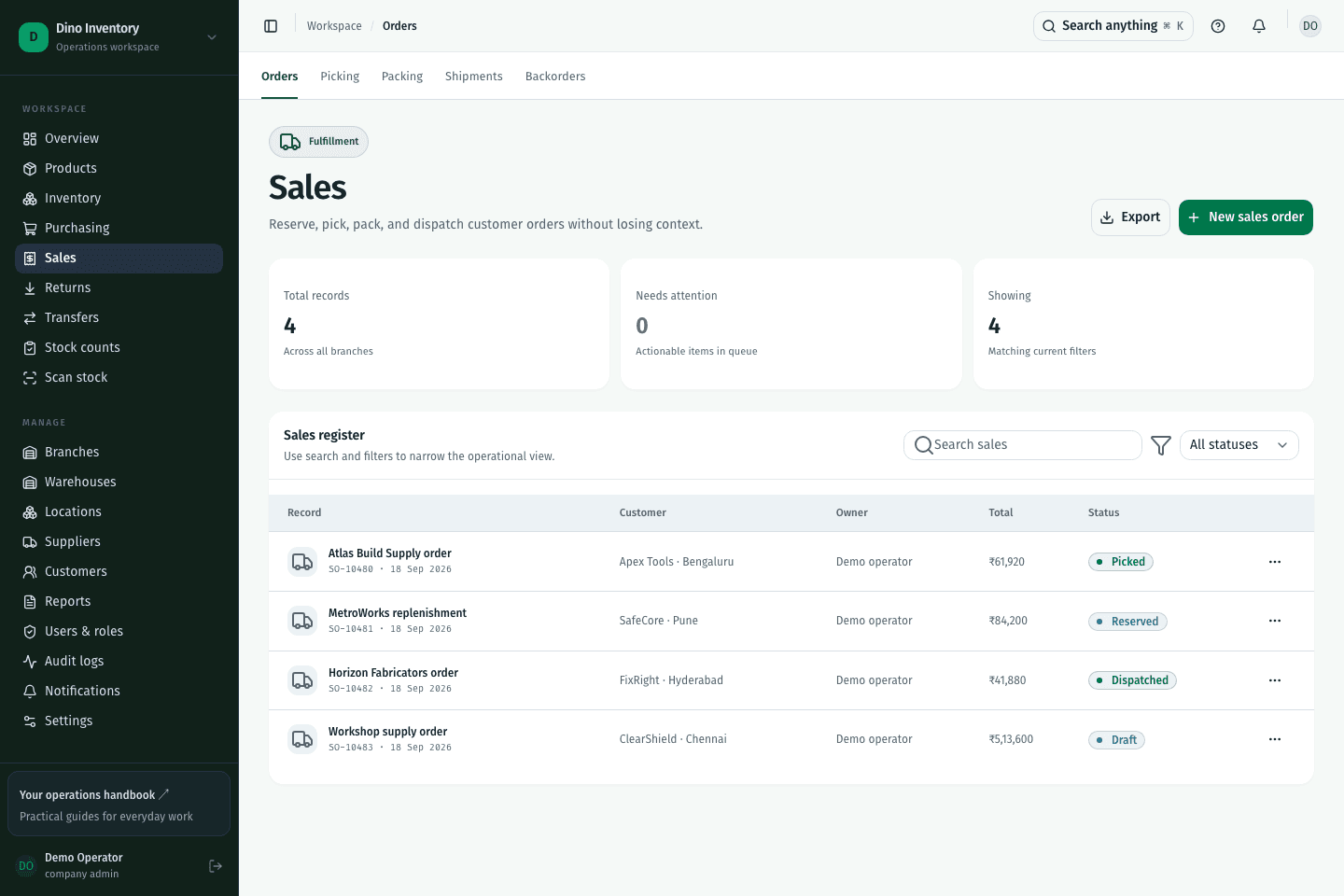
Reserve quantities for a sales order and retain visibility of unfulfilled demand when inventory is short.
Create pick lists, confirm quantities, complete packing slips, and dispatch shipments as stock becomes ready.
Track outstanding quantities separately from what has already shipped, rather than treating an incomplete order as fulfilled.
IN PRACTICE
Yes. Partial fulfillment records the quantities reserved, picked, packed, and dispatched for an order. Backorders keep the remaining demand visible until more stock is available.
A clearer way to work
Purchasing, warehouse work, and fulfillment. Connected.