A LOOK INSIDE

Meet your next
workday.

Real application screens, captured with demonstration records. Explore the workspaces your team uses to keep inventory moving.

01 / PRODUCT TOUR

Operations overview

Start with your stock position and the workflows that need attention.
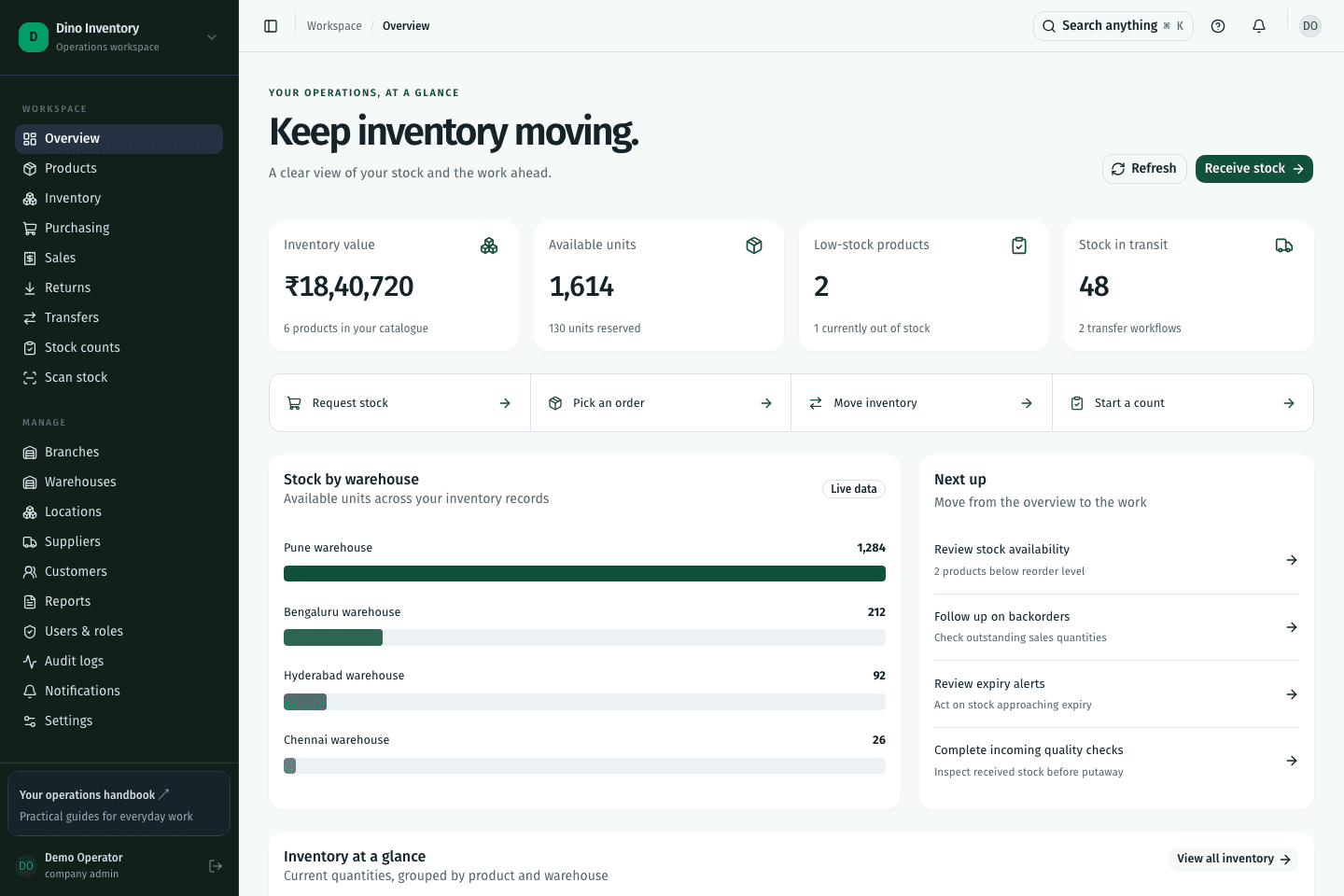
Dino Inventory / Operations overviewDemo workspace
Dino Inventory operations overview screen with demonstration records
Operations overview Actual application interface · demonstration data

02 / PRODUCT TOUR

Product catalogue

Keep product identifiers, tracking preferences, and operational details together.
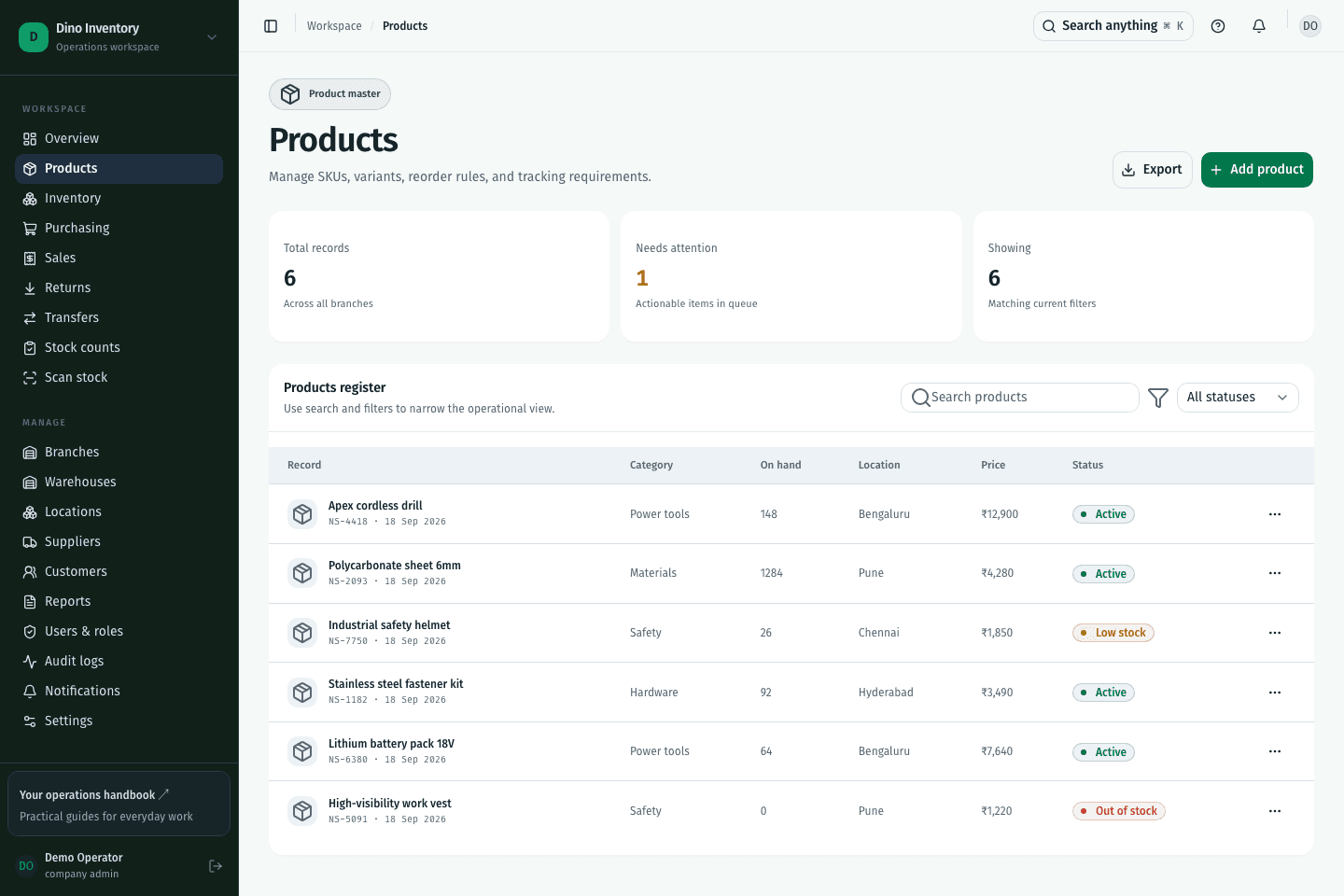
Dino Inventory / Product catalogueDemo workspace
Dino Inventory product catalogue screen with demonstration records
Product catalogue Actual application interface · demonstration data

03 / PRODUCT TOUR

Inventory balances

Review stock by warehouse and follow quantities to their source records.
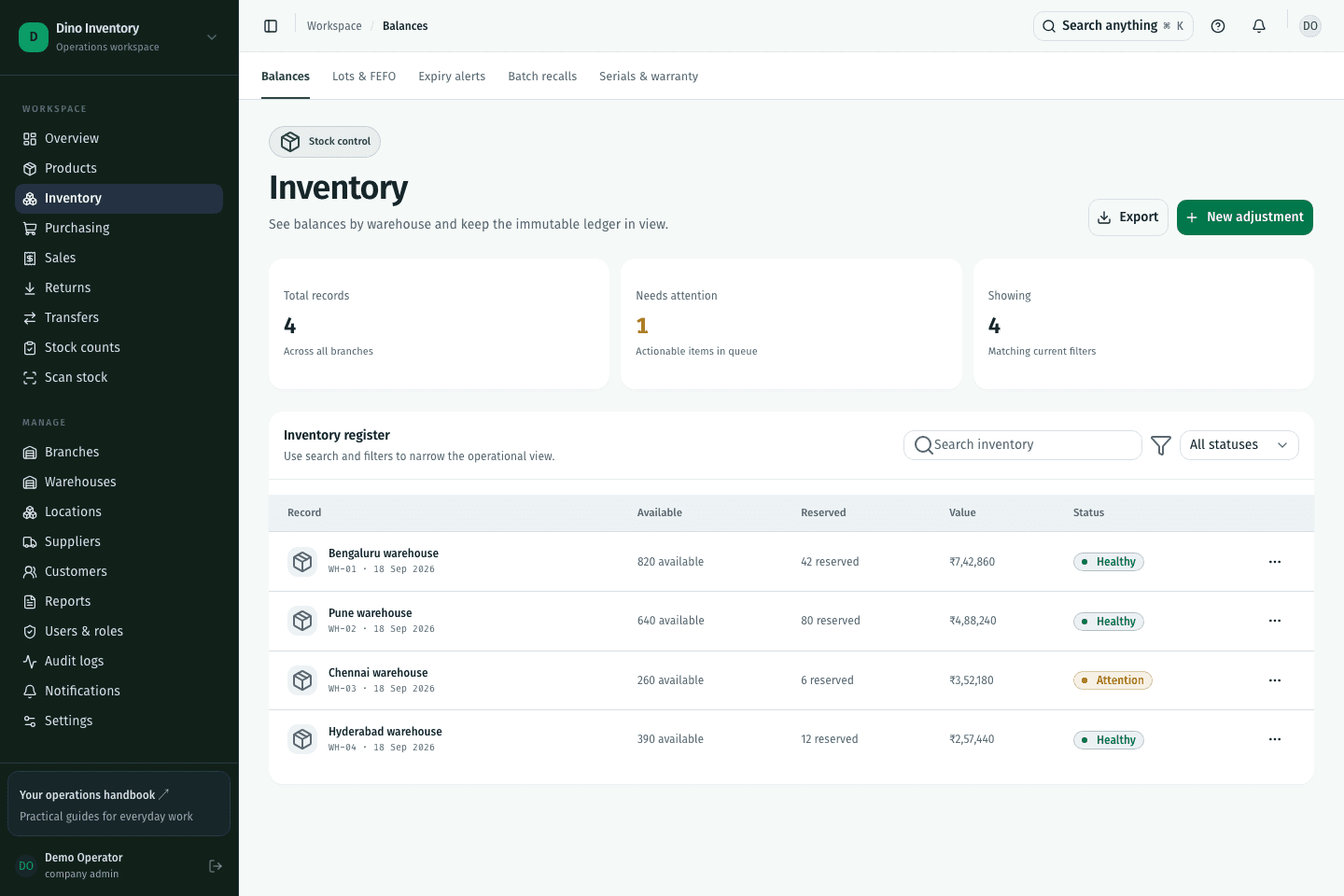
Dino Inventory / Inventory balancesDemo workspace
Dino Inventory inventory balances screen with demonstration records
Inventory balances Actual application interface · demonstration data

04 / PRODUCT TOUR

Purchasing workspace

Manage orders and move into requests, quotes, receiving, and quality workflows.
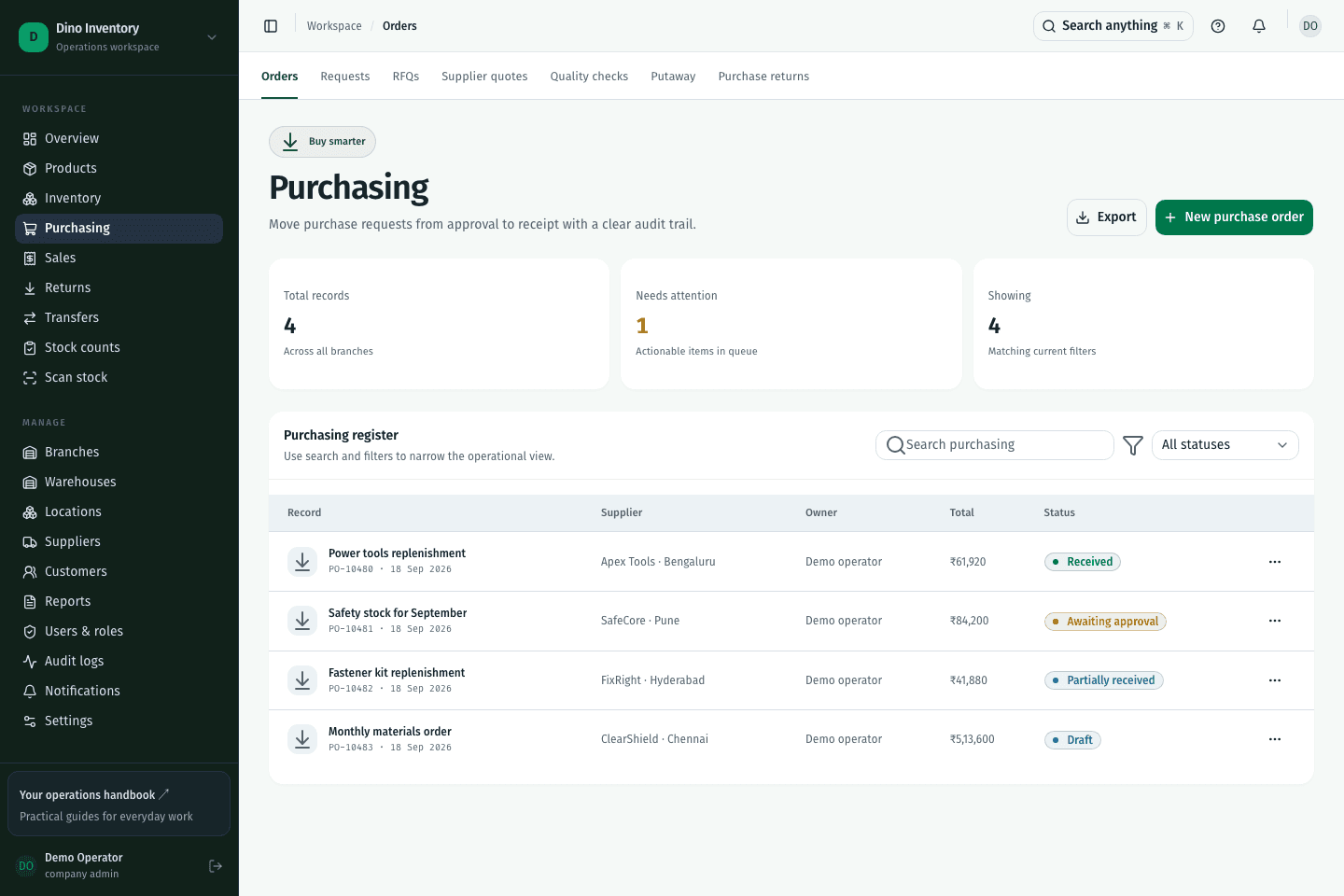
Dino Inventory / Purchasing workspaceDemo workspace
Dino Inventory purchasing workspace screen with demonstration records
Purchasing workspace Actual application interface · demonstration data

05 / PRODUCT TOUR

Sales fulfillment

Review sales orders and continue into picking, packing, shipments, and backorders.
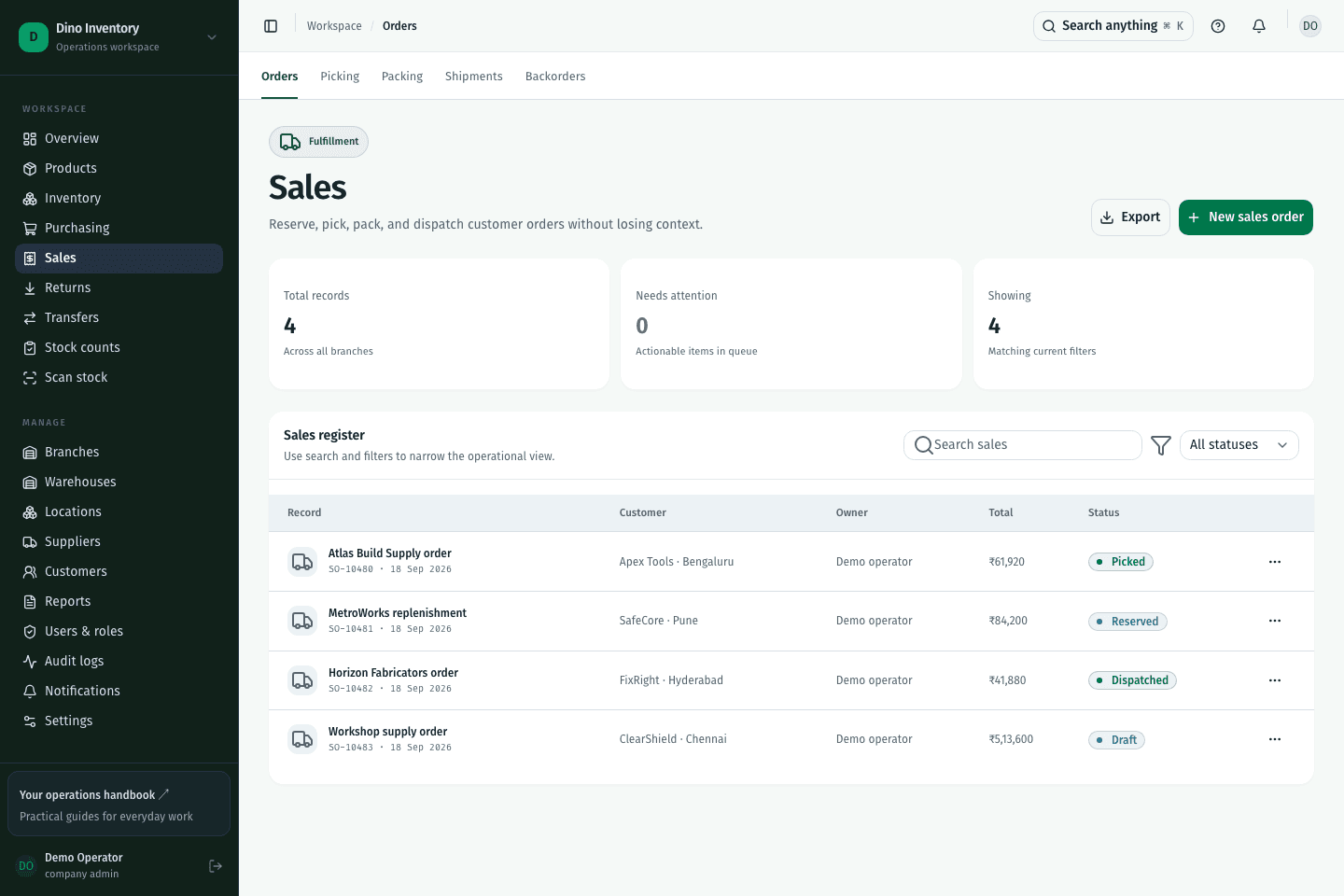
Dino Inventory / Sales fulfillmentDemo workspace
Dino Inventory sales fulfillment screen with demonstration records
Sales fulfillment Actual application interface · demonstration data

06 / PRODUCT TOUR

Warehouse transfers

Follow the journey from source warehouse to destination receipt.
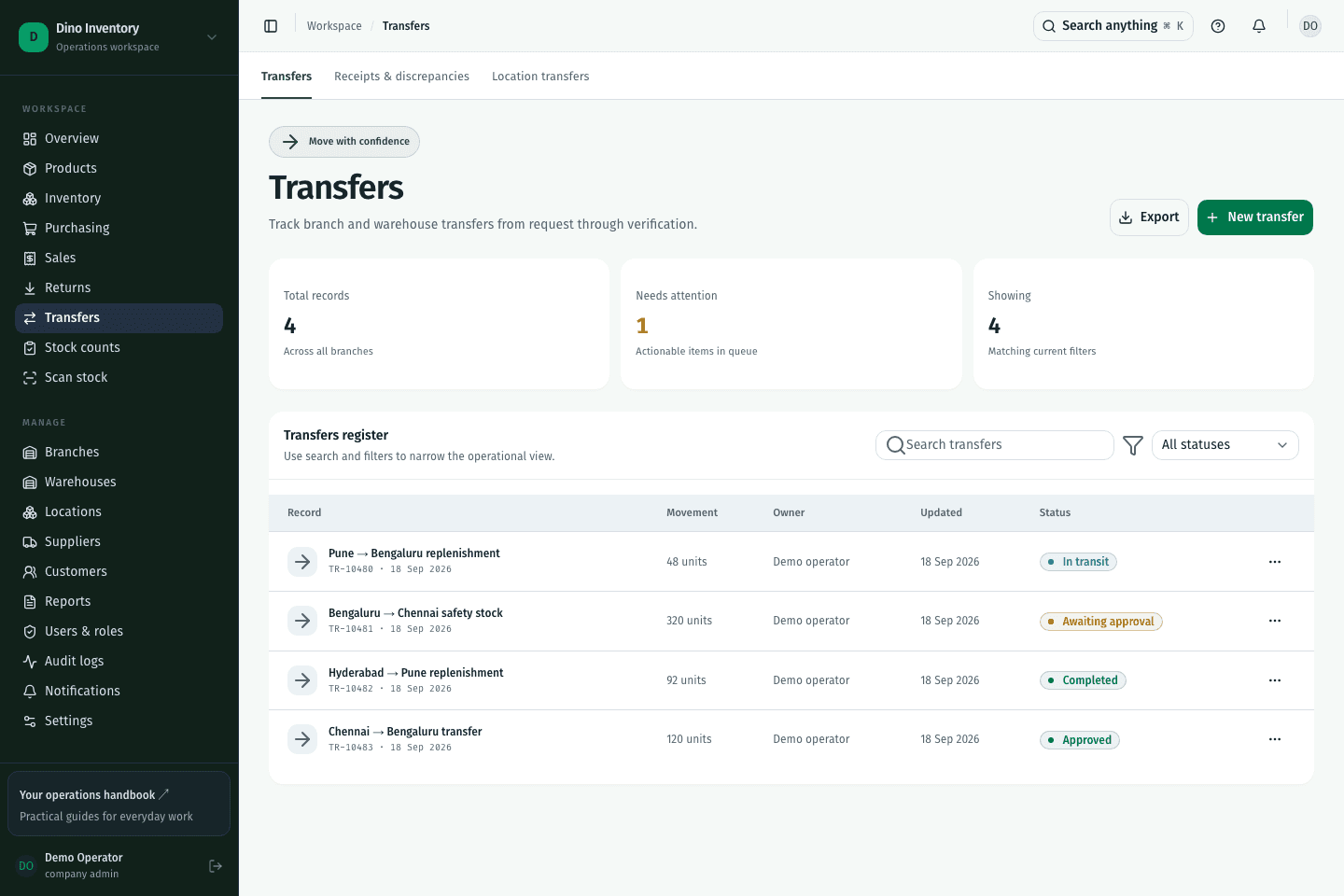
Dino Inventory / Warehouse transfersDemo workspace
Dino Inventory warehouse transfers screen with demonstration records
Warehouse transfers Actual application interface · demonstration data

07 / PRODUCT TOUR

Stock counts

Review counting work, assignments, expected quantities, and variances.
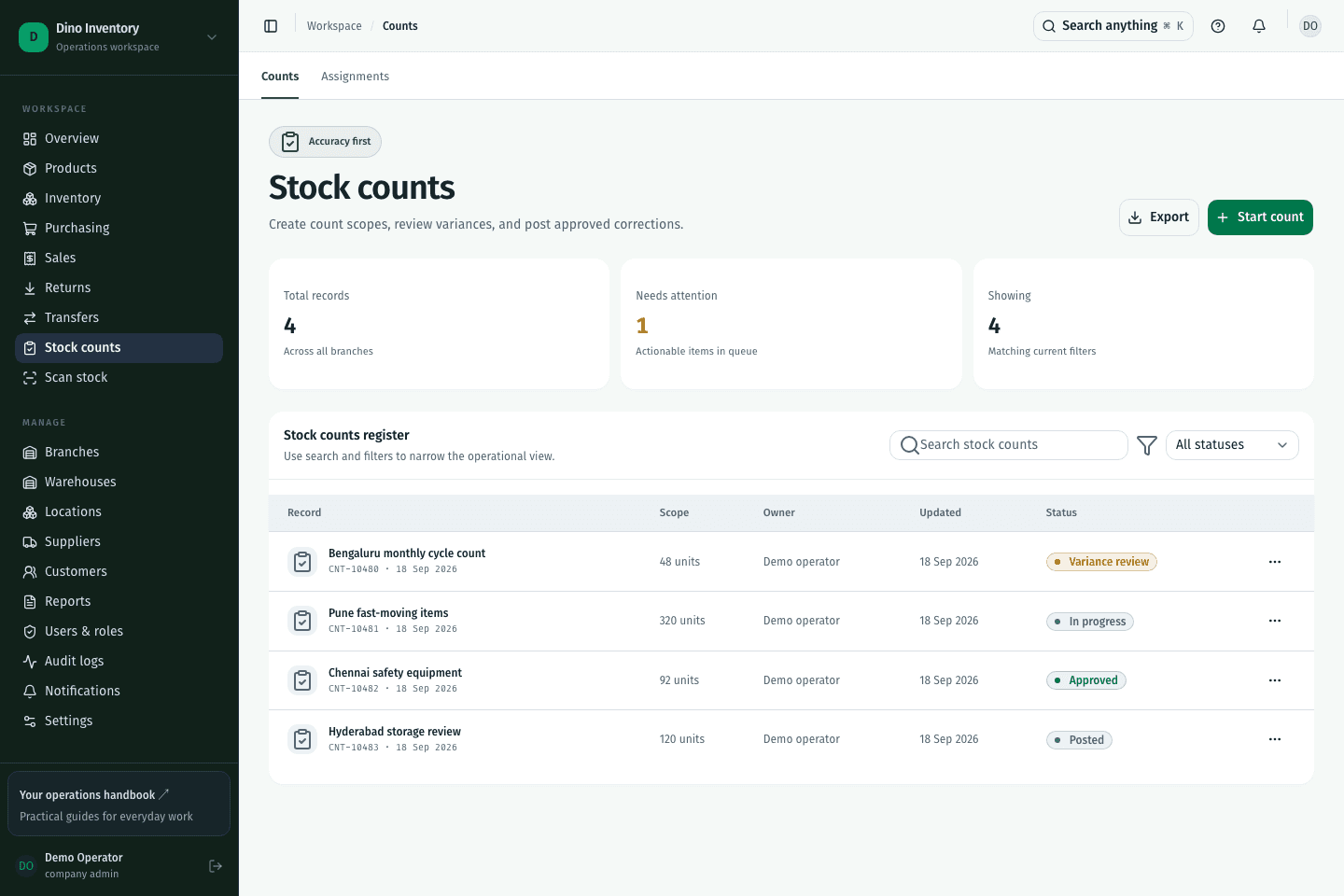
Dino Inventory / Stock countsDemo workspace
Dino Inventory stock counts screen with demonstration records
Stock counts Actual application interface · demonstration data

08 / PRODUCT TOUR

Lots and expiry

Keep batch identity, expiry dates, and recall status visible.
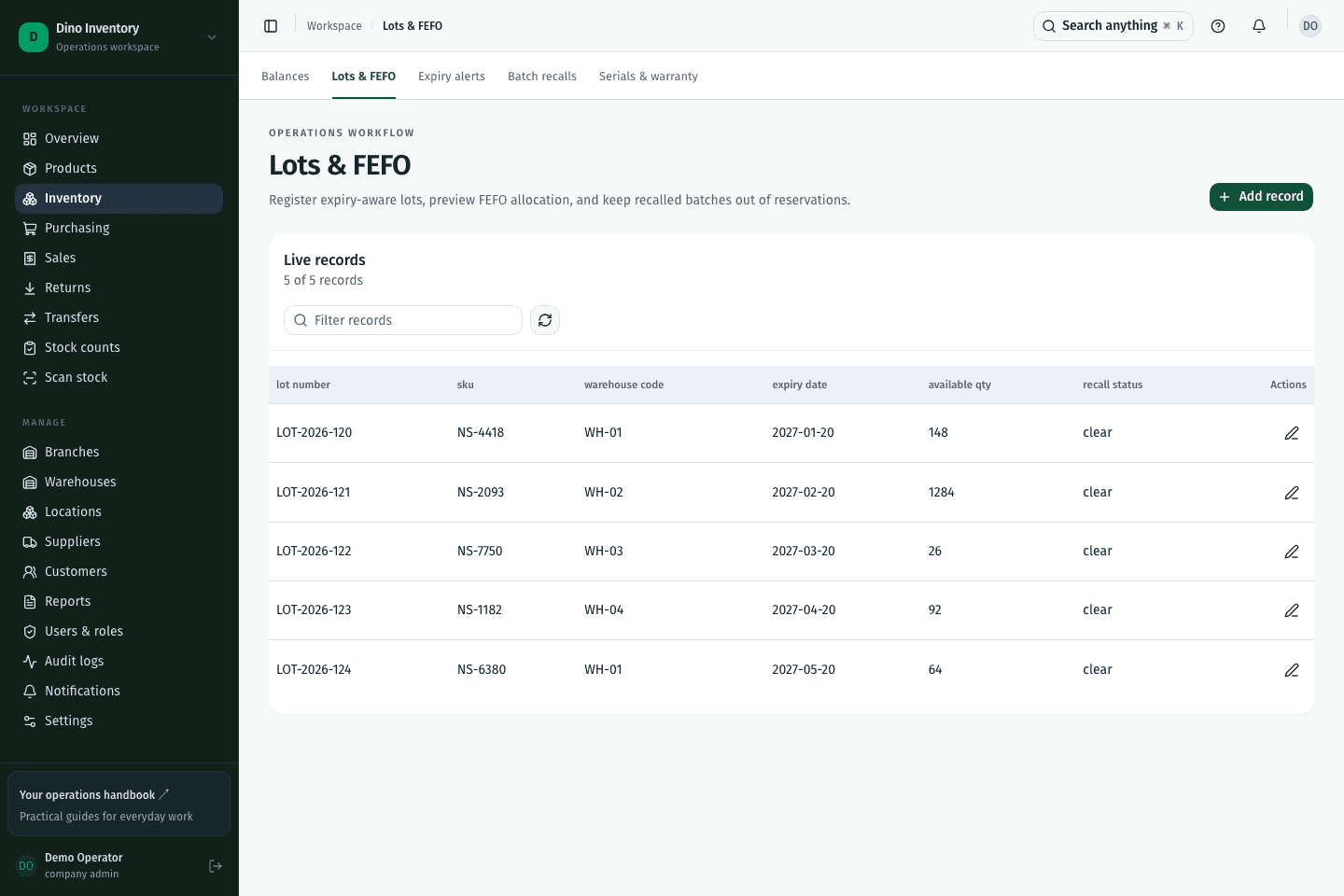
Dino Inventory / Lots and expiryDemo workspace
Dino Inventory lots and expiry screen with demonstration records
Lots and expiry Actual application interface · demonstration data

09 / PRODUCT TOUR

Live reports

Inspect the records behind inventory summaries and save useful report views.
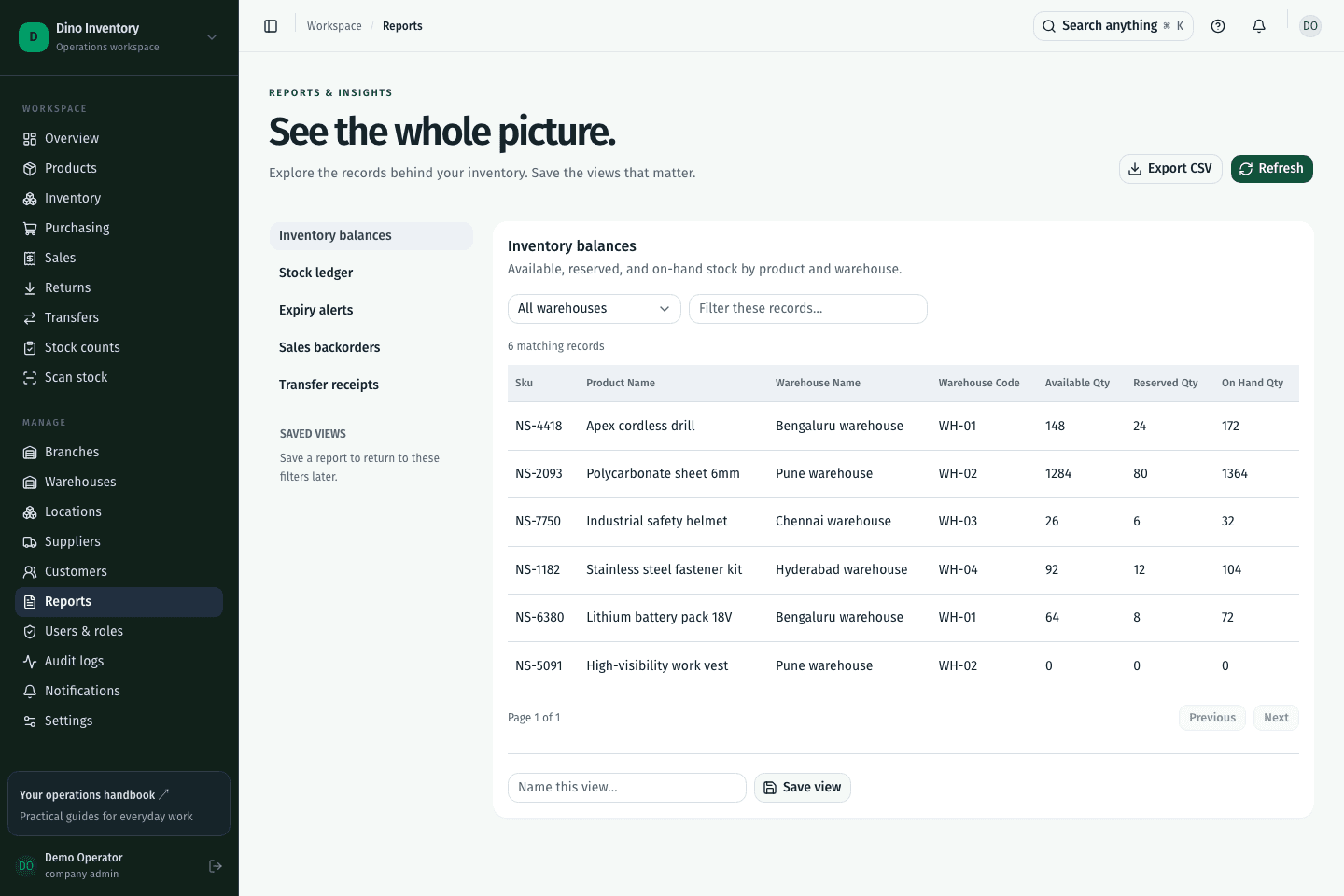
Dino Inventory / Live reportsDemo workspace
Dino Inventory live reports screen with demonstration records
Live reports Actual application interface · demonstration data

A clearer way to work

Give every movement
a place to belong.

Purchasing, warehouse work, and fulfillment. Connected.

Open your workspace